Key Takeaways
- Google announced the voice rollout on September 3 after previewing the features at I/O.
- Gmail and Keep include Google AI Plus in the announced access; Docs Live starts with Pro and Ultra.
- The launch describes Workspace business access as coming soon, without a firm date in the announcement.
- Use voice to retrieve, organize, or draft; inspect the result before acting on important information.

Google is rolling out conversational voice features for Gmail, Docs, and Keep, but the subscription access is not identical across the three apps. Its September 3 announcement says Gmail and Keep features are available to Google AI Plus, Pro, and Ultra subscribers, while Docs Live is for Pro and Ultra. Workspace business customers are described as coming soon.
The useful distinction is the task: Gmail Live searches your inbox, Docs Live helps shape a first draft, and Keep Live organizes spoken thoughts into notes. Choose the one that removes a real interruption in your day before treating voice as a replacement for every keyboard interaction.
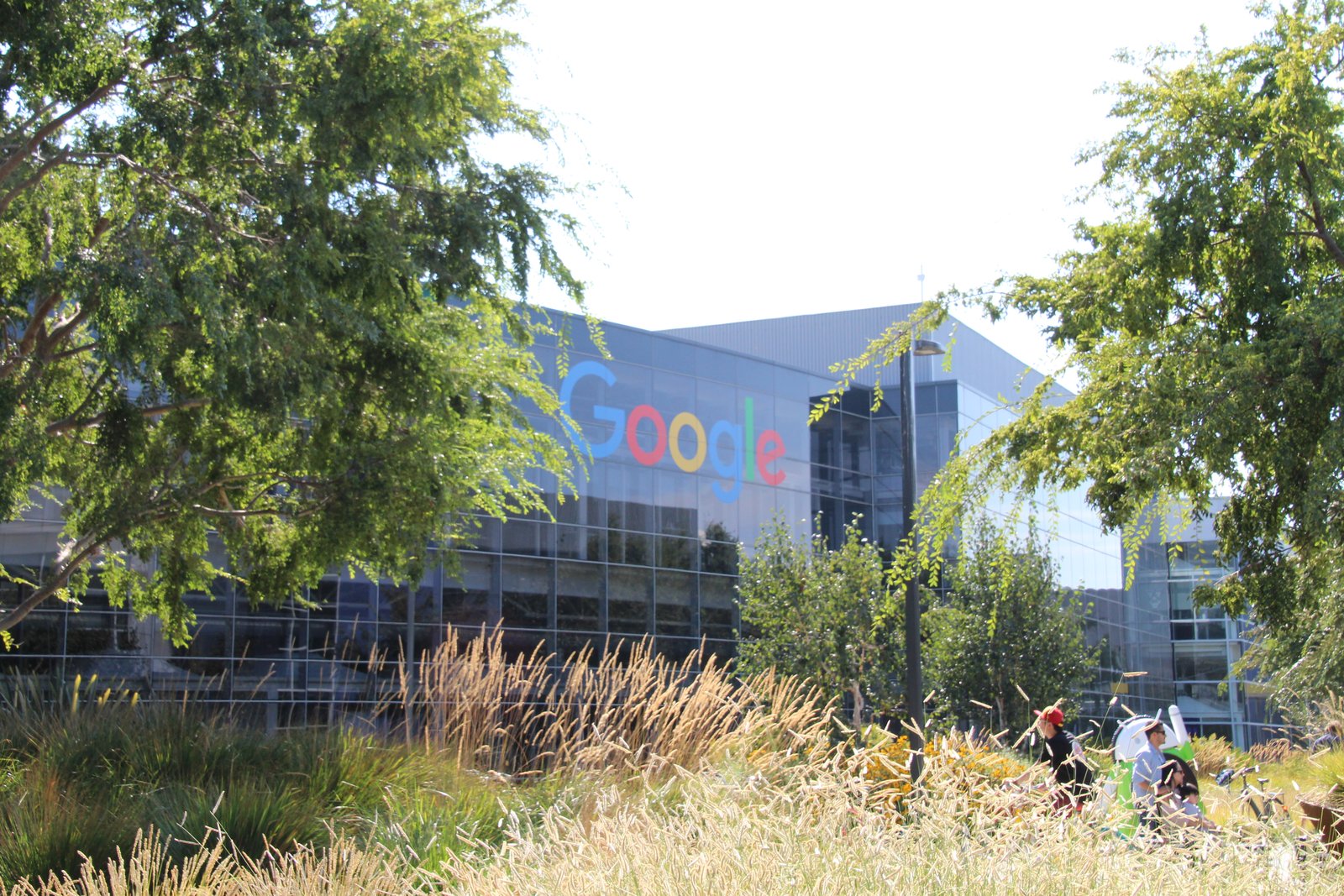
Hero: walkway at Google's Mountain View headquarters, November 2009. Archive context photo by Håkan Dahlström, Wikimedia Commons, CC BY 2.0. Cropped and resized to 1600×900; it does not demonstrate the voice rollout.
One launch covers three different jobs
Google’s announcement presents Gmail Live as conversational inbox search. Docs Live is a thought partner for constructing and refining documents. Keep’s voice feature turns an unstructured spoken stream into organized notes and lists.
Those are related experiences, but they are not interchangeable. Finding a detail in existing email has a reference you can check. Turning a conversation into an outline requires choices about structure. Organizing a note requires preserving what the speaker intended while making it easier to use later.
Our recommendation is to choose a first task whose success is obvious. Retrieve a detail from an email you can open, dictate a short note you can compare with your intention, or outline a document whose factual inputs you already have. A clear task makes it easier to judge the benefit without relying on the novelty of talking to software.
This launch also differs from the recording products in our AI note-taking tools guide. A conversational feature inside an app is not automatically a substitute for a meeting recorder, transcript archive, or dedicated capture device.
Gmail Live is most useful when the answer already exists
The obvious inbox use case is a question about information buried in a thread. Instead of thinking of the exact search terms, you describe the detail you need. Google’s examples focus on information retrieval rather than announcing an unrestricted assistant that can perform every email action.
For a first attempt, use a question with one clear reference: the location in an event confirmation, an appointment’s stated time, or the attachment mentioned in a known conversation. Then open the email that contains the answer. This is our suggested verification workflow, not a benchmark result or a claim that we tested the rollout in a subscriber account.
Be cautious about the difference between what an email says and what is true now. An old confirmation can accurately report an earlier arrangement that has since changed. When the answer affects a trip or deadline, inspect the date and sender and compare any later updates.
The success measure is simple: did voice help you find the right source with less effort, and could you verify it quickly? A fluent spoken answer without a clear connection to the relevant message should not be treated as evidence that the search succeeded.
Docs Live helps with the blank page
Google describes Docs Live as a way to talk through an idea while the app organizes it into a structured document. With permission, it can draw relevant information from Gmail, Drive, Chat, and the web. That permission and source context are part of the described workflow, not an invitation to assume every account grants the same access.
The strongest first task is an outline or initial draft. Say what the document is for, who will read it, and which facts are already confirmed. Ask for a structure that makes unfinished thinking visible instead of smoothing every uncertainty into a confident paragraph.
An original example brief could be: “Help me outline an update for our volunteer group. We have confirmed the venue but not the transport plan. Keep the open transport questions separate.” You can then examine whether the draft preserves that distinction. If it invents an arrangement, the polished writing has not completed the task.
Voice can be valuable when your reasoning arrives faster than you can type. Precise edits still deserve a visual pass: names, numbers, commitments, and quoted text are easy to overlook when listening to a continuous conversation. The point is to get a useful first version, then apply the level of review the document needs.
Keep Live fits quick capture with a short cleanup step
Keep’s described role is converting spoken thoughts into usable lists or notes. Google’s earlier Workspace preview framed it as a way to capture a stream of ideas without organizing each one before speaking. The September announcement confirms the rollout and specifies the current subscription split.
Try a simple note with a few distinct items. After speaking, look for omissions, duplicated tasks, and unintended commitments. A note that is beautifully categorized but drops the one thing you needed to remember is less useful than a rough note that preserves it.
Our practical suggestion is to end a capture session with a quick readback of the resulting list. If you named a date or a person, inspect that element directly. If your thought was exploratory, make sure the note has not converted it into an instruction to someone else.
Keep the capture task bounded. A shopping list, ideas for a talk, and an outline of follow-up questions can all benefit from organization. Combining every topic from a long day into one spoken stream makes it harder to notice what the system grouped incorrectly.
Check the plan before looking for a missing button
The September announcement lists Gmail and Keep access for Google AI Plus, Pro, and Ultra, and Docs access for Pro and Ultra. It says the features are rolling out that week and describes business customers as coming soon. It does not give a firm business launch date.
That is more specific than the earlier I/O preview, which described planned summer availability. For a current access decision, use the newer launch details and then verify what the account actually exposes. A previous preview or a video demonstration is not proof that a particular user’s account already has the feature.
We have not verified every region, device, language, or subscription combination. The announcement does not supply a complete matrix for those dimensions, so this article does not invent one. If the feature is absent, identify the account type and the exact app before changing subscriptions or reinstalling software.
The same discipline applies to claims about productivity. Google describes intended benefits, but the launch does not establish an independent time-saving figure for your work. Evaluate your own recurring task rather than borrowing an unrelated percentage from another AI product.
What happens next
Choose one task in one app, perform it on information you can inspect, and compare the result with your usual workflow. Count the corrections as part of the work. Saving a few moments of typing is useful only if the resulting search, note, or draft remains clear and accurate.
For document work, keep the source set small enough to review. Our NotebookLM review explores why source visibility matters when using AI to work through reference material. The same habit helps here even though these are different products and interfaces.
The rollout makes voice a more practical input method inside familiar apps. Its value will vary by task: quick retrieval in Gmail, structured first drafts in Docs, and low-friction capture in Keep. Start where speaking removes friction, then keep the final result visible enough to check.
Quick poll
Which voice task would you use first?
Our take: choose a task with a result you can inspect immediately.
FAQ
Does Google AI Plus include Docs Live? The September 3 launch lists Plus for Gmail and Keep. Docs Live is listed for Pro and Ultra.
Can Workspace business customers use all three now? The current launch announcement says business access is coming soon. It does not give a firm date, so availability should be checked in the actual account.
Does Gmail Live mean it will send emails for me? The launch describes conversational inbox search. It does not establish unrestricted email-sending behavior for this feature.
Is this a hands-on performance review? No. This is a source-based rollout guide with suggested first-use checks. We did not measure speed or accuracy in a subscriber account.



.jpg)
