Key Takeaways
- Google Pics will roll out over the coming weeks to most Google Workspace customers and to Google AI Pro or Ultra subscribers, according to Business Today.
- The Verge reported the rollout covers Workspace Business Standard, Business Plus, Enterprise Standard and Enterprise Plus, plus Google AI Pro and Ultra personal plans and Google AI Pro for Education.
- It runs on Google's Nano Banana image model, can upscale output to 2K or 4K, and first launched to testers after Google I/O in May.
- Docs and Slides support has already started; Drive comes later, and Business Today notes the underlying AI was trained on artists' work.
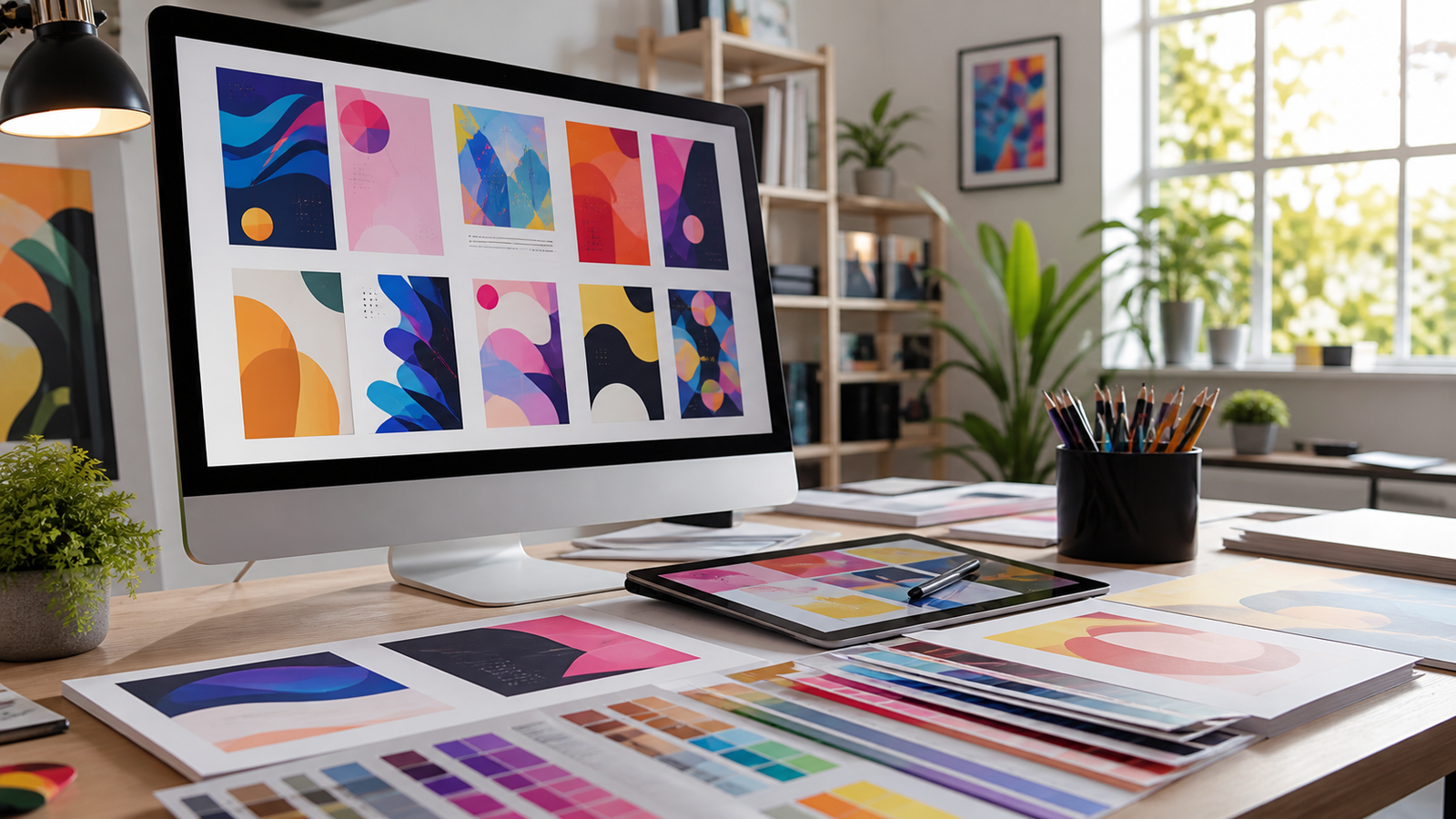
Google Pics is Google’s new AI image creation and editing tool, and it has started showing up inside Google Docs and Google Slides. It is aimed at Google Workspace business customers and at people paying for Google AI Pro or Ultra, and it works by prompting — you describe the image you want instead of assembling one on a canvas. For a lot of teams, that means a Canva-style capability just landed inside a subscription they were already paying for.
What Google Pics actually does
Google Pics is a suite of creative design tools, and The Verge reported it is arriving two ways at once: as a standalone Workspace app, and as an integration inside Docs and Slides. In the integration, you select an image already in your document or slideshow and edit it with what Google calls “Pics’ full suite of precision AI tools.”
The engine underneath is Google’s Nano Banana image-generation model. The Verge described Pics as built around Gemini and Nano Banana; Business Today and a BitcoinWorld write-up republished by CryptoRank credit Nano Banana alone.
The feature list is more specific than “type a prompt, get a picture.” According to The Verge, you can generate an image from scratch or select and edit individual objects inside an existing image using descriptive prompts — including changing, reformatting and translating the text that appears in the image itself. You can upscale results to 2K or 4K, crop into formats for web, social media, print or digital, and share designs with teammates. Business Today adds that Pics can isolate and transform objects and generate multiple versions of a request so you can pick the best result.
Google’s framing explains why it exists. “While AI image generation has been a huge hit for personal use, it’s been a different story for business,” the company said in its announcement blog, as quoted by The Verge. “Teams have struggled to create professional-grade images for marketing campaigns, customer presentations, and product storytelling, facing inconsistent results, endless trial-and-error prompting, and cumbersome workflows across multiple apps.”
Who gets it, and on which plan
The Verge published a specific plan list: Google Pics is starting to roll out for Workspace users on Business Standard, Business Plus, Enterprise Standard and Enterprise Plus, for Google AI Pro and Ultra personal plans, and for the Google AI Pro for Education plan. Cheaper Workspace tiers are not named anywhere in that list.
Business Today and CryptoRank describe the audience more loosely — “most Google Workspace customers” plus Google AI Pro or Ultra subscribers, arriving over the coming weeks. The two framings are not identical, and the conservative read is the narrower one: if you are on one of the four Workspace plans The Verge named, or you personally pay for AI Pro or Ultra, you are in the first wave. If you are on any other tier, none of these sources confirm you are included, and none state a separate price.
This is not a cold start. The Verge noted that Pics launched for testers following Google I/O in May before this week’s wider rollout — the same announce-first, widen-later pattern we tracked when Google shipped hotel booking and flight tracking in AI Mode in Search.
Prompting replaces dragging
The clearest difference from the tools Pics is chasing is where the work starts. Business Today put it plainly: instead of building a visual from scratch, you describe what you want through a prompt. CryptoRank framed the same point as a convenience play — a fast option for people who need simple visuals without deep design skills.
Against Canva the contrast is structural. Canva runs a marketplace where artists, illustrators and photographers publish templates, graphics, photos and other artwork and earn royalties, Business Today reported; Pics has no such layer and focuses on AI-generated content. CryptoRank characterized Adobe Express as a professional design tool where creators build from templates and assets, while Pics is oriented around prompting for quick results.
Where Google is trying to be better than a plain chatbot is control. The Verge said Pics is designed to give more granular control over prompt-based image making and manipulation, letting users tap on specific objects or text and describe what they want changed — features that may avoid the ugly results chatbots are known to spit out for marketing imagery. That beats pasting a prompt into a chatbot and hoping, though it is worth weighing against what you already pay for — see how ChatGPT, Claude and Gemini compare on price and capability.
The training-data question Google has not answered
Business Today states directly that the AI behind the tool was trained on artists’ work. CryptoRank goes further, saying Pics raises intellectual property and artist compensation concerns that could affect adoption and legal risk, and that the reliance on AI-generated content raises ethical questions about the role of human artists.
None of the sources say which datasets Google used, whether any artists were compensated, or whether Google has published indemnification terms for business customers. That is unconfirmed, and it matters most for exactly the teams Google is targeting: the ones putting generated images into paid campaigns and customer-facing decks.
Which teams should care first
Start with the use cases Google named in its announcement blog: marketing campaigns, customer presentations and product storytelling — so the marketing, sales and product people who assemble those assets. If those decks already live in Slides and Docs, the integration removes a round trip to a separate tool.
Localization is the sleeper use case. Both The Verge and Business Today list translating the text inside an image as a supported edit — normally the tedious part of shipping the same poster into a second market. Social teams get the crop formats plus the 2K and 4K upscale, which covers most of a resize workflow.
The teams that should wait are the ones with a real design function. Nothing in these reports benchmarks output quality against Canva or Adobe Express, and nothing describes brand kits, font control or approval workflows. Pics removes a step for people who were never going to open a design tool anyway — the same bundled-versus-dedicated tradeoff that runs through the best AI writing tools of 2026, where the built-in option wins on friction and loses on depth.
What happens next
Watch Drive. The Verge said Google plans to roll Pics out to Drive “in the coming weeks,” while Business Today and CryptoRank say only that it will come later. Drive is what turns Pics from a document feature into a place where image assets are stored and reused.
The second is the tier boundary: the broad “most Workspace customers” framing in the Business Today and CryptoRank reports and The Verge’s concrete plan list will either converge as the rollout widens, or the unnamed tiers will quietly stay out. The third is the artist-compensation question CryptoRank flags as a factor in adoption and legal risk. Until then, check whether Pics has actually appeared in your own Docs and Slides before planning a workflow around it — “rolling out over the coming weeks” is not the same as available.
Quick poll
Would Google Pics replace a design tool your team pays for?
Our take: the plan list The Verge published starts at Business Standard, so for many small teams the answer today is "not yet" rather than "no."
FAQ
What is Google Pics? Google Pics is an AI-powered image creation and editing tool for Google Workspace, built on Google’s Nano Banana image-generation model. You describe an image with a prompt, then edit individual objects or text inside it.
Who can use Google Pics right now? The Verge reported it is rolling out to Workspace Business Standard, Business Plus, Enterprise Standard and Enterprise Plus plans, Google AI Pro and Ultra personal plans, and Google AI Pro for Education. Business Today describes it more broadly as most Workspace customers plus AI Pro or Ultra subscribers over the coming weeks.
Does Google Pics cost extra? None of these reports list a separate price. Pics is described as part of the Workspace and Google AI plans named above, but Google’s pricing details for it are unconfirmed in this coverage.
Is Google Pics in Google Drive yet? Not yet. Docs and Slides support has already started, and The Verge said Drive support is planned “in the coming weeks”; Business Today and CryptoRank say only that Drive comes later.