Key Takeaways
- The September 2 announcement adds Drive copy/move, Gmail reply, and Chat reply actions.
- Drive and Chat feature rollout begins September 8; Gmail feature rollout begins September 14, each over 1–3 days.
- Administrator controls have separate dates and can restrict steps or require approval for actions that may share data externally.
- Start with one understandable trigger and an observable result, then inspect actual run history before expanding the flow.
Google is adding four Workspace Studio actions: copying and moving Drive files or folders, replying within Gmail threads, and sending replies in Google Chat. The feature rollout is still ahead of this September 5 report: Drive and Chat actions start rolling out September 8, while Gmail actions start September 14.
Some administrator controls arrive earlier, so seeing a control is not proof that the corresponding action is already available to every user. The useful preparation is to define a small workflow, its destination, and who may authorize it before enabling a process that changes files or sends messages.
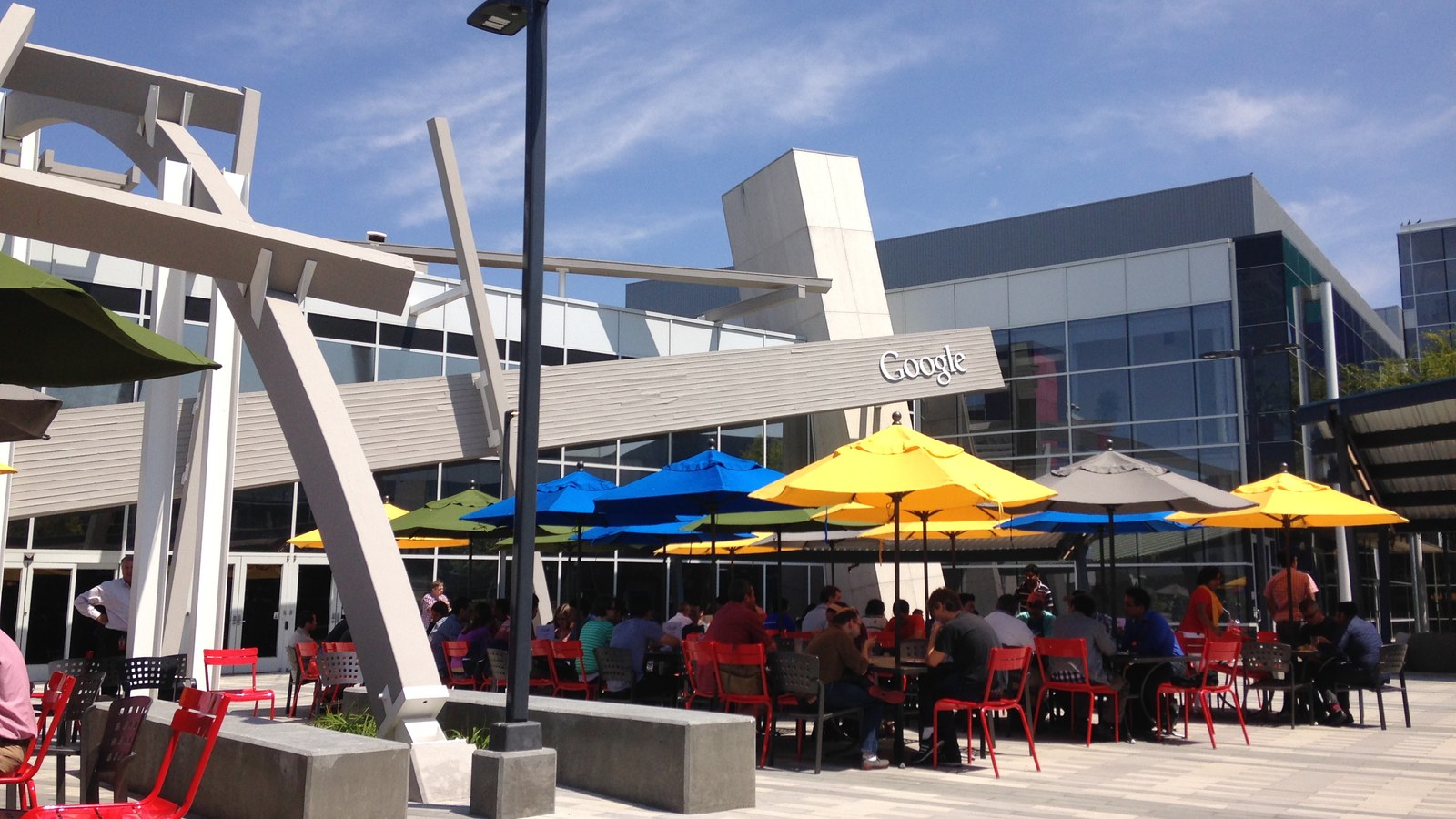
Hero: A patio at Googleplex, August 2014. Archive context photograph; Workspace Studio's flow editor is not shown. Photo by Jijithecat, source, CC BY-SA 4.0. Cropped and resized by ToolSurge; derivative retains the same license.
Separate the action from the trigger
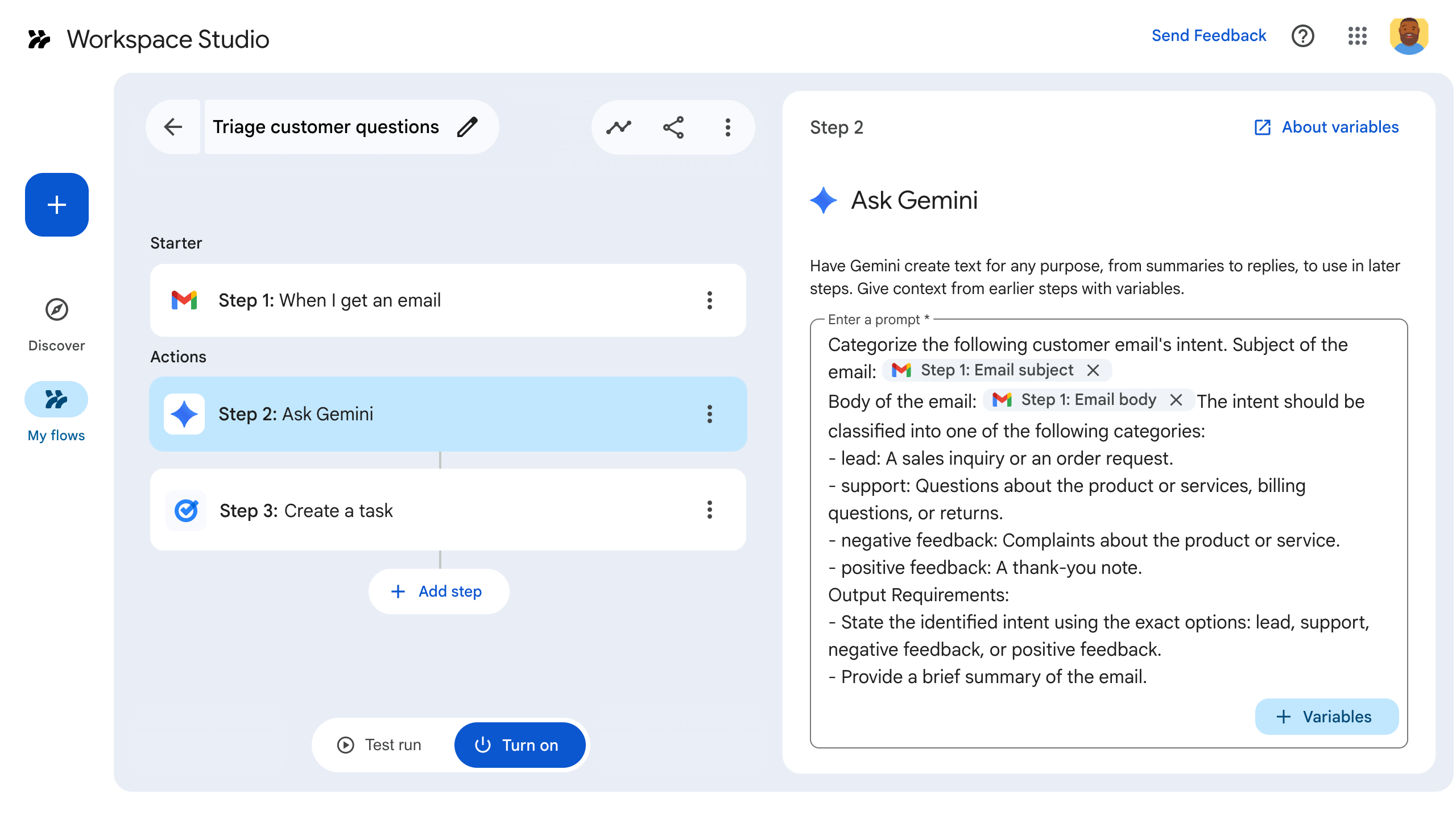
A Workspace Studio flow has a starter and subsequent steps. Google’s starters-and-steps guide describes starters such as events and schedules, while steps perform an action or deliver a notification. Adding a useful action does not decide which incoming events should invoke it.
That distinction matters for these releases. A copy step might prepare a project template, but the trigger still needs to select the right request. An email-reply step can preserve an existing thread, but it still needs to reply to the intended conversation rather than every message in an inbox.
Our recommendation is to describe the flow in one sentence: when this specific event occurs, perform this action on this object, then show this result. If the sentence contains several unrelated purposes, split the design before trying to automate it.
This extends the input-focused workflow in our Gmail, Docs, and Keep voice guide. Voice helps express a task; Studio’s steps carry out defined actions after a trigger. Those are different responsibilities.
Copy and move deserve different acceptance checks
Google’s announcement describes copying Drive files or folders for template generation and intake processes, and moving them for organization. Those sound like adjacent operations, but their intended outcomes differ.
For a copy workflow, inspect whether the expected new object exists in the intended location and whether the original remains available as expected. For a move workflow, inspect the destination and confirm that links, permissions, and the wider process still behave as intended. These are our suggested checks, not a claim that this preview has been tested against every Drive configuration.
Begin with disposable sample files. Give them recognizable names and keep the source and destination easy to distinguish. That makes an incorrect selection visible before a flow handles real customer or team material.
Avoid letting a vague AI interpretation determine the only identifier for a move. Where the workflow supports explicit file or folder variables, inspect the selected object. A folder that sounds similar to the intended destination can still be the wrong place.
Replies preserve context but still reach an audience
The launch describes Gmail replies within existing threads and Chat replies targeted to spaces and threads. Chat replies gain Markdown formatting support, including lists and code blocks. That can make a notification easier to read without creating a separate conversation for every event.
The operational question remains who will receive the result. A thread may contain external participants, and a copied flow may retain addresses or file links from its original setup. The administrator guide says a shared flow copies its configuration, while the recipient retains only access to data they were already allowed to see.
Our suggested first communication flow sends a simple confirmation in a controlled internal thread. Check the recipient, thread, wording, and attached links. Once that behavior is clear, decide whether more complex content generation or an external audience is appropriate.
Do not equate a drafted response with a sent reply when reporting progress. A process that prepares text and a process that transmits it have different effects, even if their output looks similar in a preview panel.
The rollout has four dates, not one
For Drive and Chat, Google lists administrator controls beginning September 1 over 1–4 days, with feature rollout starting September 8 over 1–3 days. For Gmail, administrator controls begin September 8 over 1–4 days, and features begin September 14 over 1–3 days.
The announcement applies those schedules to both Rapid and Scheduled Release domains. A missing action on September 5 is therefore not evidence that a correctly configured flow is broken. It may simply precede the announced feature rollout.
The listed editions include Business Starter, Standard, and Plus; Enterprise Standard and Plus; Education Fundamentals, Standard, and Plus; specified education add-ons; and AI Expanded Access. Check the exact edition rather than assuming that every Workspace subscription receives every automation feature.
Use the dates to plan an access check, not to declare success automatically. The relevant evidence is that the intended account can see the step and that its test run produces the expected result.
Administrators can prepare the service boundary now
Google’s setup guide places service access under Admin console, Apps, Google Workspace, and Workspace Studio. It describes controls for service availability, Gemini capabilities, steps from Workspace services, integrations, and sharing.
The new release specifically says administrators can disable individual steps and require end-user approval when an action may share data with people outside the organization. The exact policy and account determine what the user sees; this article does not assume every action always prompts for approval.
Name an owner for a flow before sharing it widely. That person should understand the trigger, selected data, recipients, and how to stop the process. A useful template can be copied across a team, but each resulting configuration still needs to match its owner’s account and intended destinations.
Our guide to adopting coding agents at work makes a similar point about ownership. Automation becomes easier to maintain when someone can explain the result and the boundary around it.
Build one small run you can inspect
A hypothetical intake flow could select a specific request, copy an approved template into a defined project folder, and send an internal confirmation. That is a design example, not a deployed recipe or proof that the future rollout is active today.
Test each action with a recognizable sample object. Then run the connected flow and inspect whether its later steps use the actual outputs of earlier ones. A successful copy followed by a reply linking the wrong original file is still an incorrect workflow.
Google documents run investigation through Rule log events, with filters such as actor, flow ID, event, and step name. Preserve the flow ID when diagnosing unexpected activity. Its administrator guide also explains ways to stop an errant flow rather than leaving the organization to guess which user owns it.
Keep limits in view when designing a process. The current admin guide lists 25 flows per user, including stopped flows, and up to 20 steps per flow. It also describes daily run limits. Those constraints favor a clear flow over a sprawling collection of barely understood actions.
What happens next
Prepare the trigger, sample data, destination, and owner while the rollout approaches. When the relevant step appears, test one action, then the connected flow, then the intended sharing configuration. Add complexity only when the observed result justifies it.
A valuable automation removes repeated work while leaving enough evidence to explain what happened. For file operations, that means identifiable objects and destinations. For replies, it means the right thread, audience, and content. A saved flow diagram alone does not establish those outcomes.
These four additions make Studio more capable of completing everyday tasks. Their practical value comes from connecting the right trigger to an understood action, with the rollout state and operating scope kept clear.
Quick poll
Which action would save the most repeated work?
Our take: test a specific destination and audience before expanding a flow.
FAQ
Are all four actions available on September 5? The announcement schedules Drive and Chat features from September 8 and Gmail features from September 14, over 1–3 days each.
Why can an administrator see a control before users see the action? Google lists separate rollout schedules for administrator controls and the features themselves.
Does sharing a flow grant access to private files? Google says the recipient gets a copy of the configuration, not new access to the owner’s private data. Review copied addresses, links, and other settings.
How should a team diagnose an unexpected run? Use the documented Rule log events and flow identifier to inspect the actor and steps, then have the responsible owner or administrator stop or correct the flow.