Key Takeaways
- Google's new conversion feature covers Google Docs, PDFs, and Word files in its launch announcement.
- The Help Center lists the File menu's Convert Docs workflow and file inputs including DOC, DOCX, and PDF.
- Review and edit the generated script before creating the video, then inspect the finished scenes and narration.
- Changing a script can leave an existing voiceover outdated; update the audio and review it again before sharing.

Google Vids can now turn documents into narrated video summaries. The useful checkpoint comes before generation: its conversion workflow lets you inspect and edit the script, with each section becoming a scene, so you can catch a misleading summary before it becomes polished narration.
Google announced the feature on September 2. Rapid Release availability was immediate in the announcement; Scheduled Release rollout begins September 5 and can take up to 15 days. Eligible plans are broader than one premium consumer tier, but access still needs to be checked in the actual account.
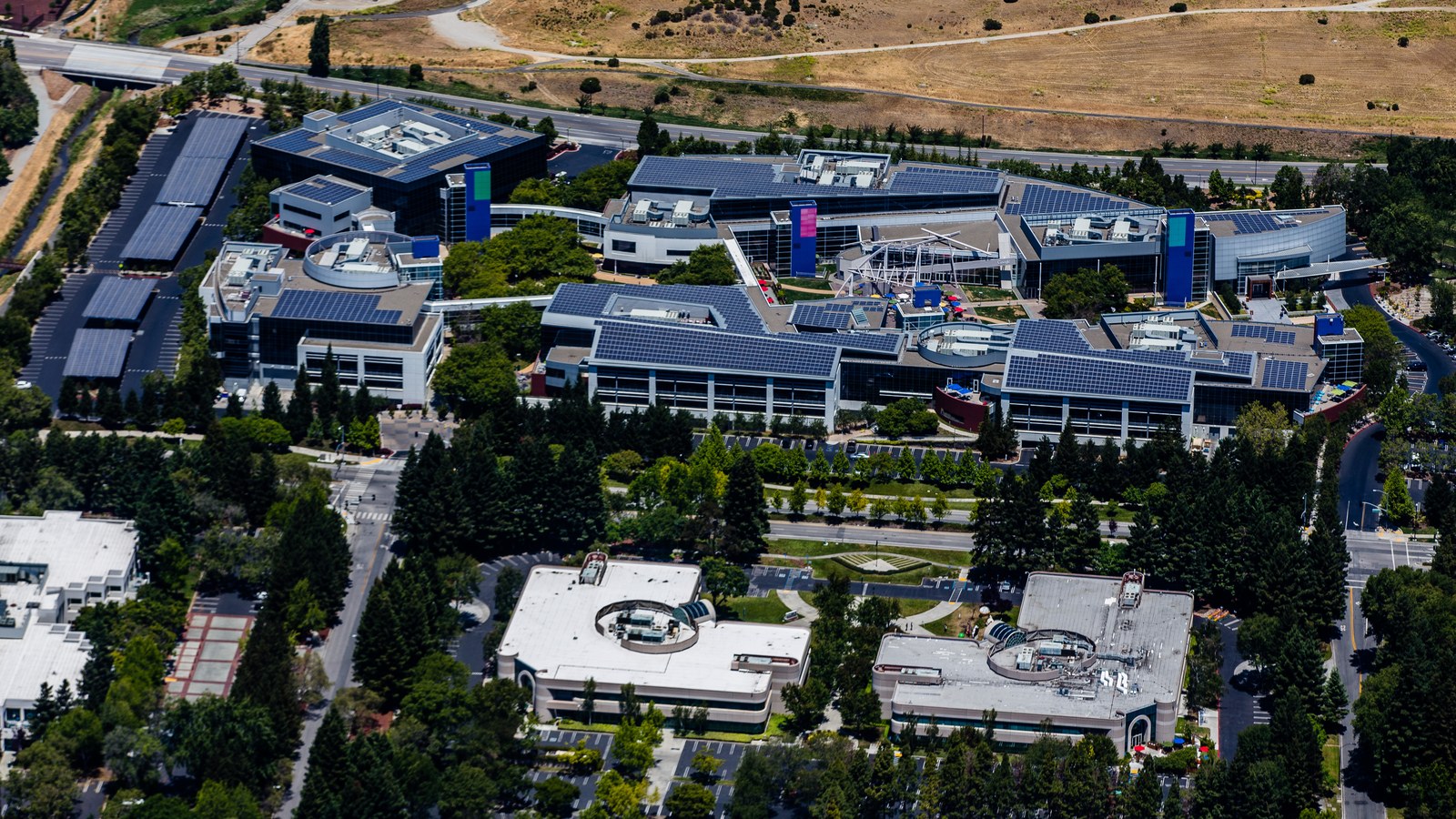
Hero: Construction at Google's Mountain View campus, June 2019. Archive context photograph; the Vids editing interface is not shown. Photo by Gregory Varnum, source, CC BY-SA 4.0. Cropped and resized by ToolSurge; derivative retains the same license.
A useful summary preserves the decision, not every paragraph
Google’s announcement positions the feature for training material, meeting notes, documentation, and reports. It generates a script, narration, and visuals from document content. That describes a starting artifact, not proof that every important qualification survived the conversion.
Before uploading a document, decide what the viewer needs to understand or do afterward. A video for a new employee may need the process and next action. A video for a manager may need the decision, its reason, and unresolved questions. The same document can support both, but one undirected summary may serve neither well.
Our recommendation is to write a one-sentence audience brief and identify the few facts that must not change. Those become your review criteria. If an important exception is buried in a footnote, add it to that list rather than trusting that visual polish will make its omission obvious.
This is a different task from the image-editing workflow in our Google Pics coverage. Vids is packaging an explanation across time, where sequence and narration affect the meaning.
Start with a clean, current document
A useful first trial uses a document whose facts you already understand. That makes it easier to distinguish a conversion error from a problem in the source. An outdated procedure can produce an apparently convincing video about the wrong process.
Remove irrelevant material from a working copy when appropriate, while preserving the original. Check whether headings reflect the actual argument and whether tables distinguish totals, examples, and estimates. These are our preparation suggestions, not a claim that Google requires a specific writing template.
Do not assume that every page deserves equal screen time. A long appendix may support the conclusion without needing to appear in full. Conversely, one short sentence about eligibility or an exception can determine whether the summary is safe to act on.
For a team document, identify who is responsible for the facts and who will review the video. That can be the same person, but the responsibility should not disappear simply because the first draft is automatic.
Review the generated scene script before rendering
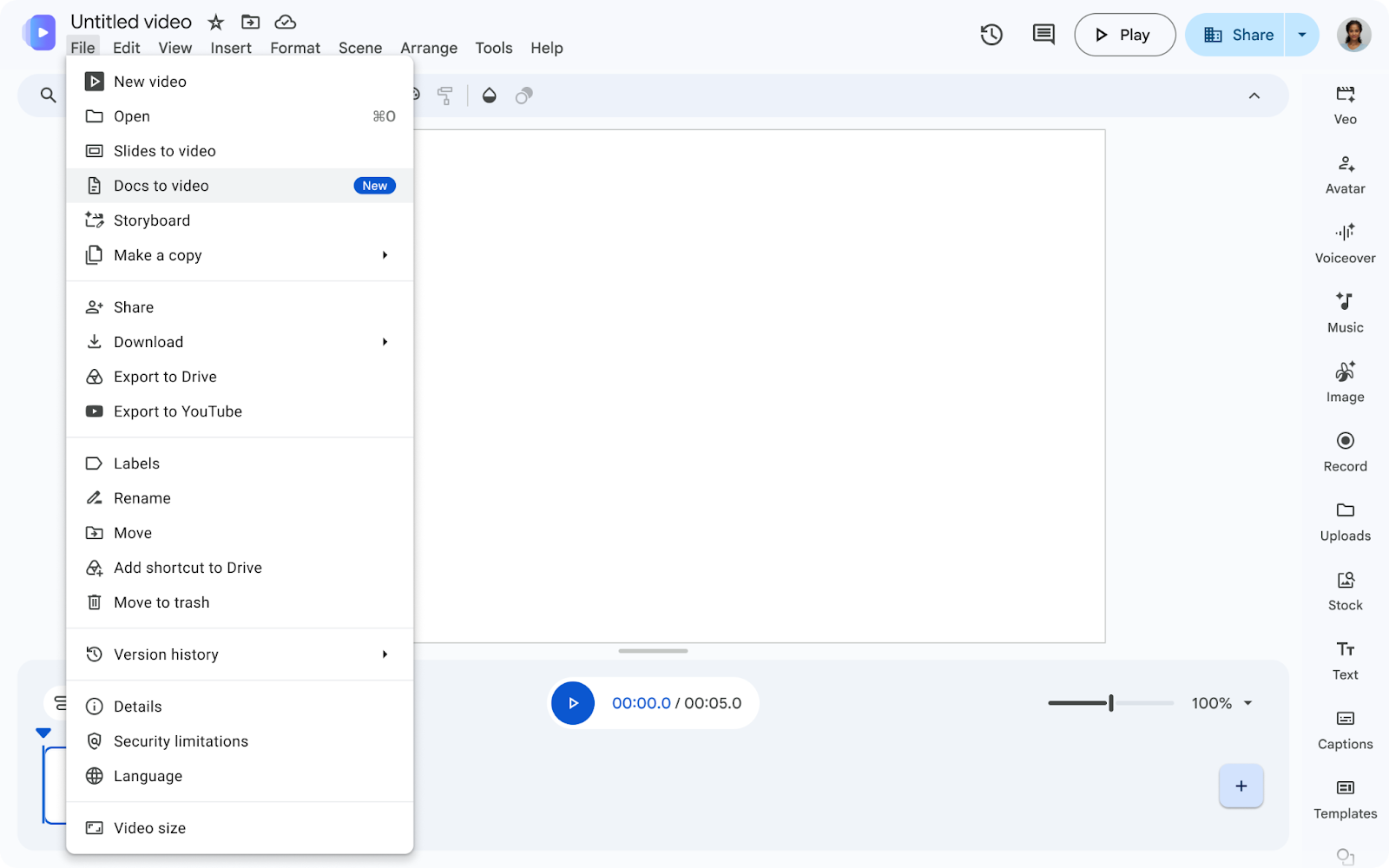
The conversion instructions direct you to Google Vids on a computer, then the File menu and Convert Docs. Select a supported file and continue. The workflow offers script review, text editing, section removal, and voice selection before generation.
Google’s launch names Google Docs alongside PDF and Word, while the Help Center’s upload instructions explicitly list .doc, .docx, and .pdf. Its announcement screenshot labels the menu entry “Docs to video,” while the Help Center calls it “Convert Docs.” Follow the corresponding control in your account; do not infer an undocumented import path from a general launch sentence.
At the script stage, read each scene as something a viewer would hear without seeing the source. Does a pronoun have a clear referent? Does a percentage retain its denominator? Has a proposed date turned into a confirmed commitment? Those checks are easier before visuals and music distract from the wording.
A useful original checklist is: key point, supporting fact, necessary qualification, and next action. Not every scene needs all four, but the finished sequence should give the viewer what the audience brief promised.
Scene order can change the meaning
Google’s scene guide explains that each canvas is a scene, and scenes can be added or moved in the timeline. That gives you a way to repair the structure rather than accepting the first generated order.
For an explanation, place a prerequisite before the action that depends on it. For a report, distinguish a measured result from the interpretation that follows. For a training summary, show an exception near the step where someone might need it.
Our suggested review uses a simple test: pause after each scene and ask what a first-time viewer currently believes. If the next scene reverses that belief because a crucial condition arrives late, revise the order or the wording. A concise video can still be misleading when it postpones the qualification.
Keep the number of scenes tied to the argument. Adding more transitions does not necessarily improve comprehension. A scene should introduce a useful step, clarify a comparison, or supply evidence; it should not exist only because another paragraph remained in the source.
Keep the spoken and written versions synchronized
The voiceover documentation says Vids can generate narration for one scene or all scenes. It also describes an outdated-voiceover indicator when the audio no longer matches the script, with controls to update the current scene or all affected voiceovers.
That distinction matters after a factual correction. Editing the text on a screen does not prove that a previously generated voice now says the corrected value. Review both channels together, especially when changing a date, amount, name, or instruction.
Google currently documents a 2,500-character limit for a voiceover script input and plain-text requirements. Treat that as an audio-generation constraint, not an announced maximum length for an uploaded source document. Limits in one part of the application should not be casually applied to another.
Listen from beginning to end after revisions. Check pronunciation, silence, volume, scene boundaries, and whether on-screen text appears long enough to read. This is a suggested production review, not a claim that we generated or benchmarked a subscriber’s video for this article.
Check access without assuming a missing button is a defect
The release lists Business Starter, Standard, and Plus; Enterprise Starter, Standard, and Plus; Education Plus; Nonprofits; Google AI Plus, Pro, and Ultra; and specified education add-ons. It gives different rollout timing for Rapid and Scheduled Release domains.
That does not mean every account exposes the feature simultaneously. Confirm the account and plan, then the rollout state and the app’s current interface. Avoid purchasing a different tier solely because a colleague received a feature sooner.
For teams already using Gemini to prepare documents, our Workspace instructions guide explains how stable preferences differ from current source facts. The same separation helps here: a preferred narration style should not overrule the document’s meaning.
What happens next
Try one short, familiar document. Review its generated script, adjust the scenes, generate the video, and watch the complete result. Count the edits required to make it accurate and understandable, not just the time until the first draft appears.
Keep a link to the authoritative source with the finished communication. A summary is useful for orientation, while viewers may still need the complete procedure, report, or meeting record. If the source changes, decide whether the video must be updated rather than leaving two conflicting versions in circulation.
The feature reduces the effort of getting from a document to a video draft. The remaining editorial job is to ensure that what the viewer hears, sees, and understands still matches the source and the purpose.
Quick poll
Which document would benefit most from a video summary?
Our take: start with a familiar source and review the scene script before generation.
FAQ
Which upload formats does the Help Center name? It lists DOC, DOCX, and PDF. The announcement additionally describes Google Docs support; check the relevant input control in your account.
Can I change the generated script? Yes. The conversion workflow allows editing and deleting sections before generation, with each section becoming a scene.
Can I edit the final video? Yes. Google says you can edit, share, or export the generated video. Scenes can also be reordered in the timeline.
Does changing text automatically prove the narration is current? No. Inspect the voiceover status, update outdated audio using the documented controls, and listen to the corrected result.

.jpg)